Getting started
Getting started with CheckArticle
Sign in, paste a draft and get your first report.
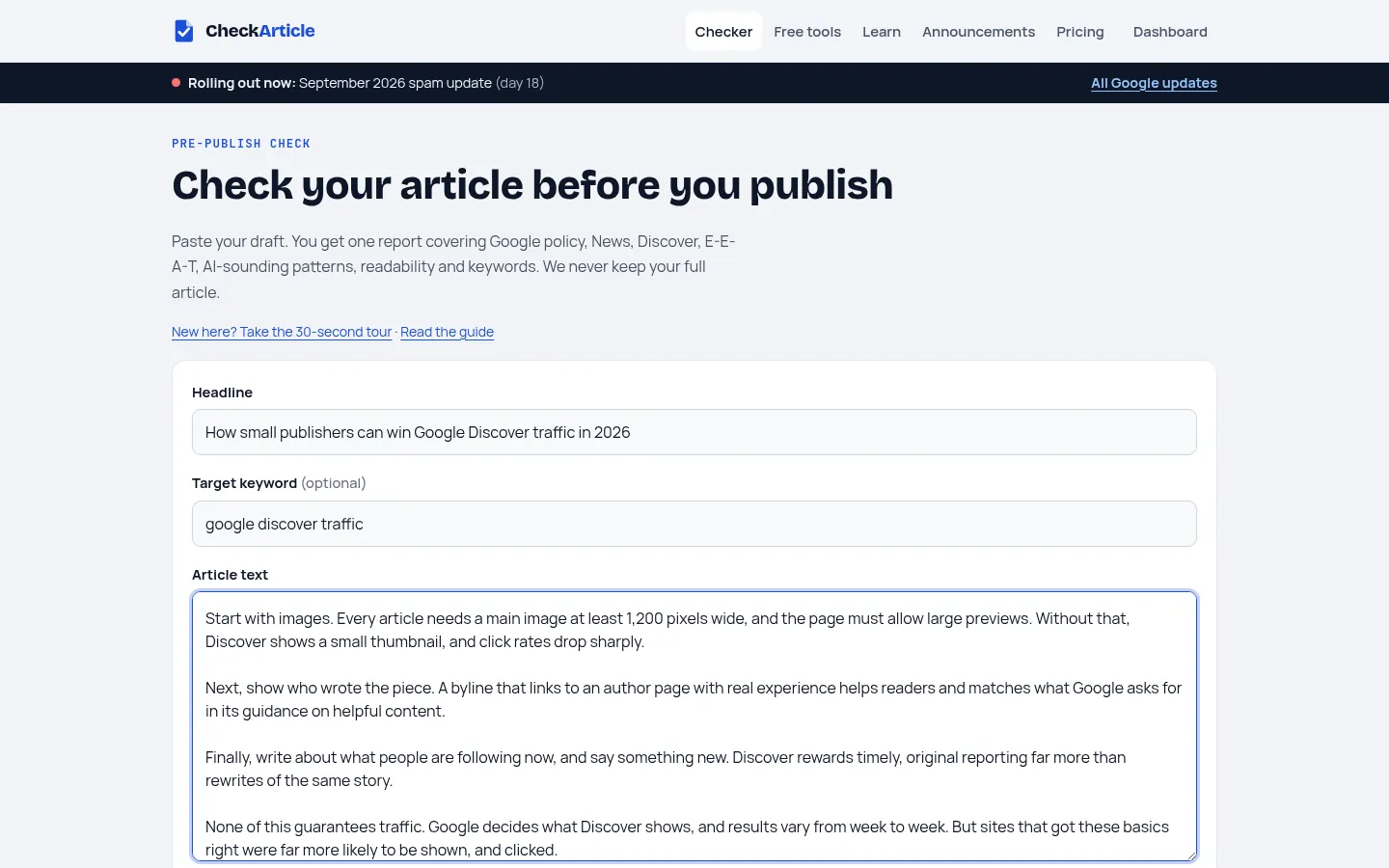
CheckArticle checks a draft before you publish: Google policy, Google News, Discover, E-E-A-T, AI-sounding writing, readability and keywords, in one report with the fixes.
Your first report in three steps
- Sign in with GoogleClick Sign in and choose a Google account. We only receive your name and email address.
- Paste your draftOn the checker, add the headline, an optional keyword, and the full article text.
- Click Check articleYour report appears next to the form in about 10 seconds. A short tour walks you through it the first time.
Free and paid
- Free: 1 full report a day, including the Google checks. The writing checks and free tools have no daily limit.
- Paid plans add more reports, the generators (meta descriptions, titles, FAQs and rewrites), report history and PDF downloads. See pricing.
Checking the same text again never uses another report, so you can fix and re-check freely.
Last updated 12 October 2026